Start with a sample look, add your photos, and move each piece until the outfit feels right.
Photos stay in this browser No account or upload. Reloading, resetting or choosing another sample clears your added photos; download a picture before leaving.
Illustrative sample garments generated for FITPOP. These are editable styling ideas, not app output or a wear test.
One piece. Five ways to wear it.
Choose a complete look to edit. Replace the examples with pieces you already own.
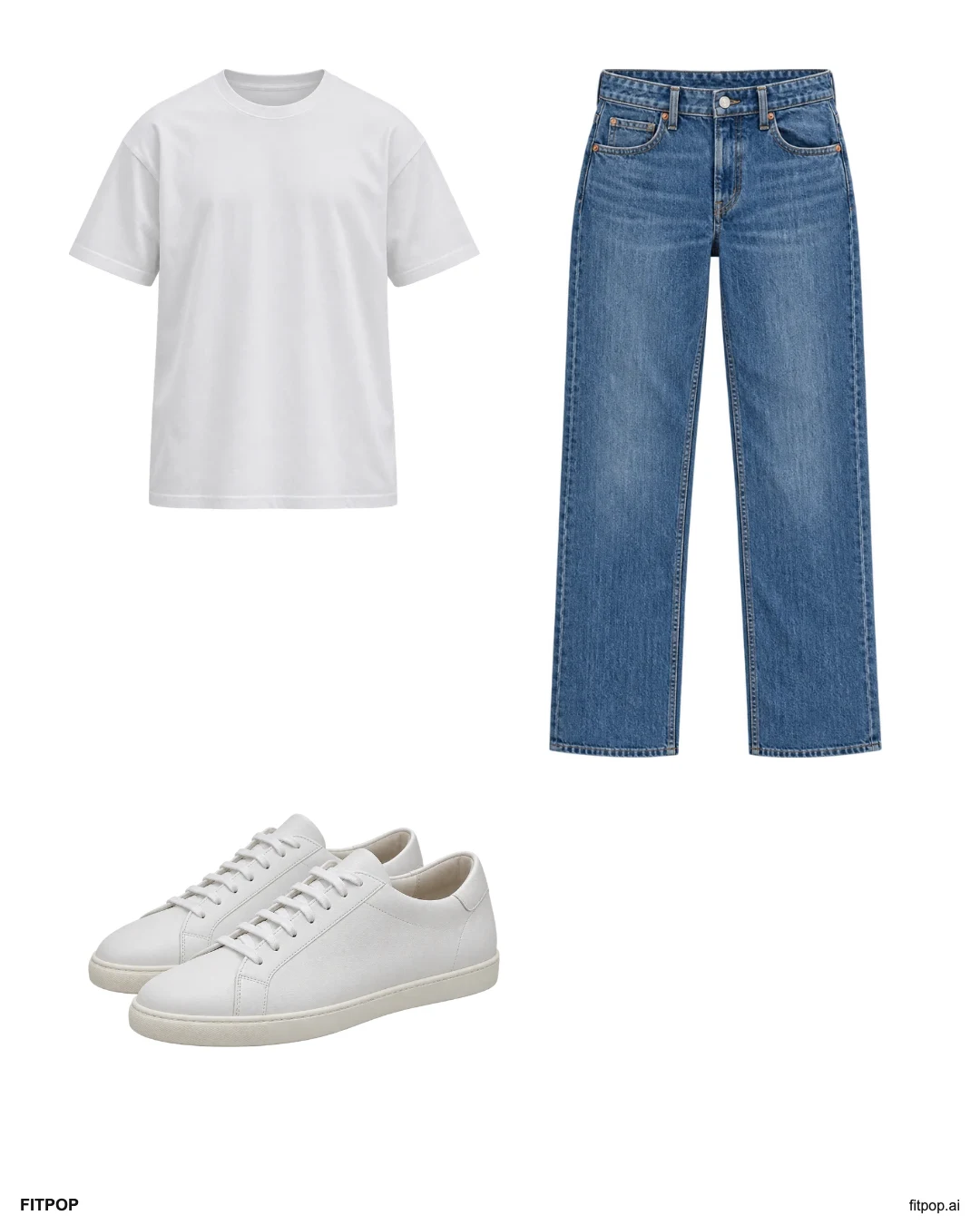
A simple errands outfit
Keep white sneakers with a white tee and straight jeans. An easy base for a casual day; choose the pair you already walk in comfortably.
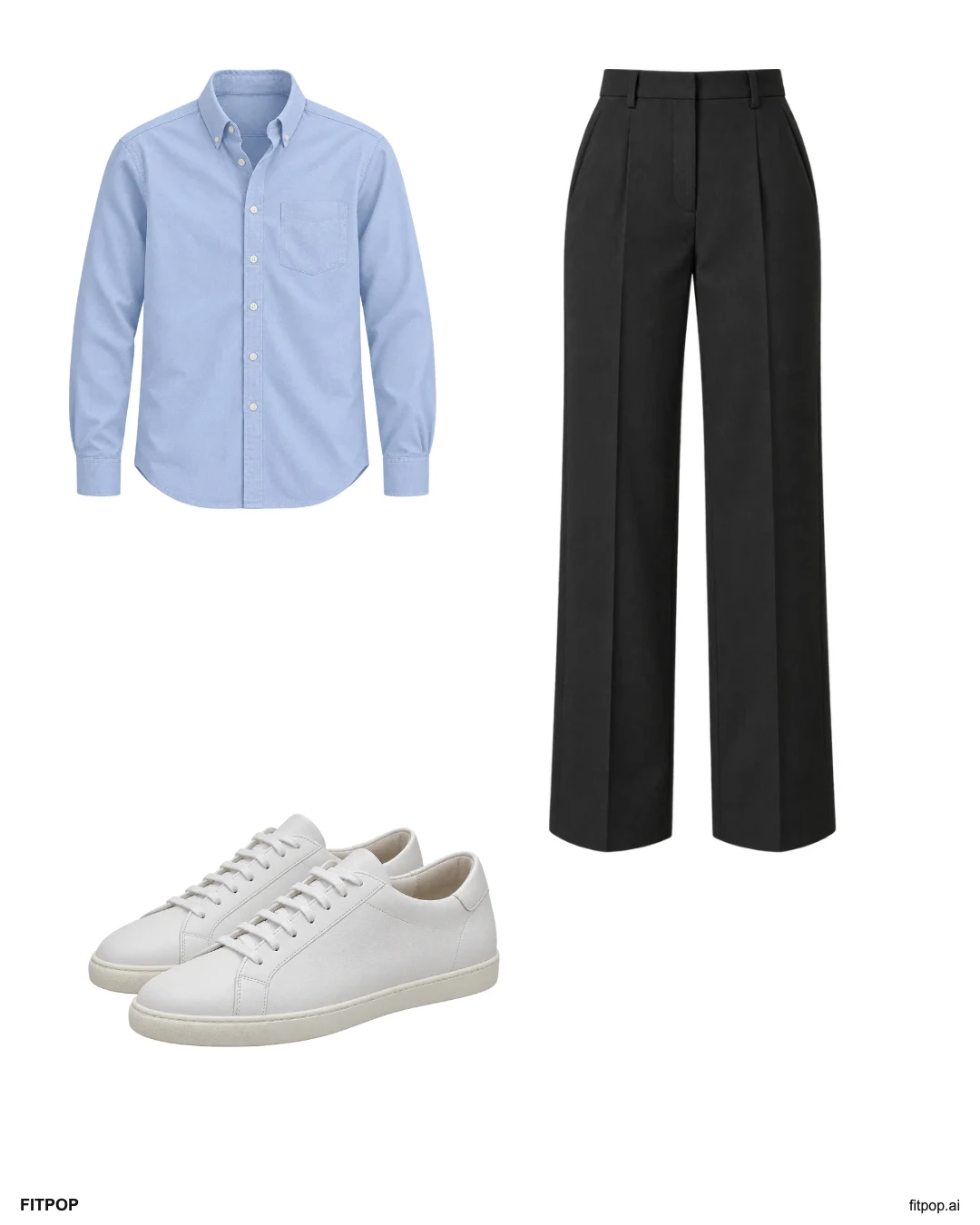
Sneakers at a casual office
A blue shirt and charcoal trousers give the same sneakers a neater setting. Use this only where the workplace allows casual shoes.
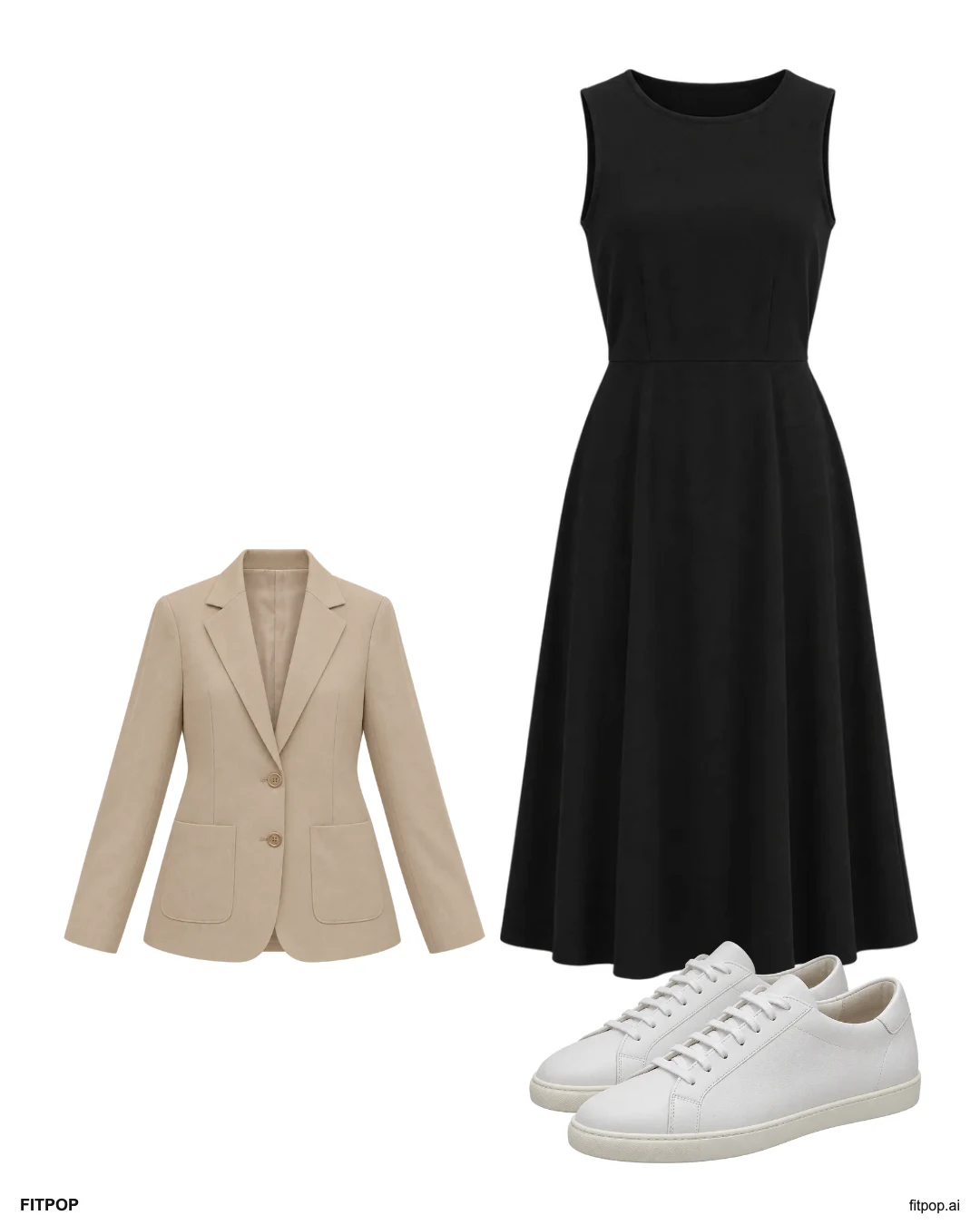
A dress for an informal lunch
A black midi dress keeps the outfit simple while a beige blazer adds an optional layer. The sneakers make this a casual lunch combination.
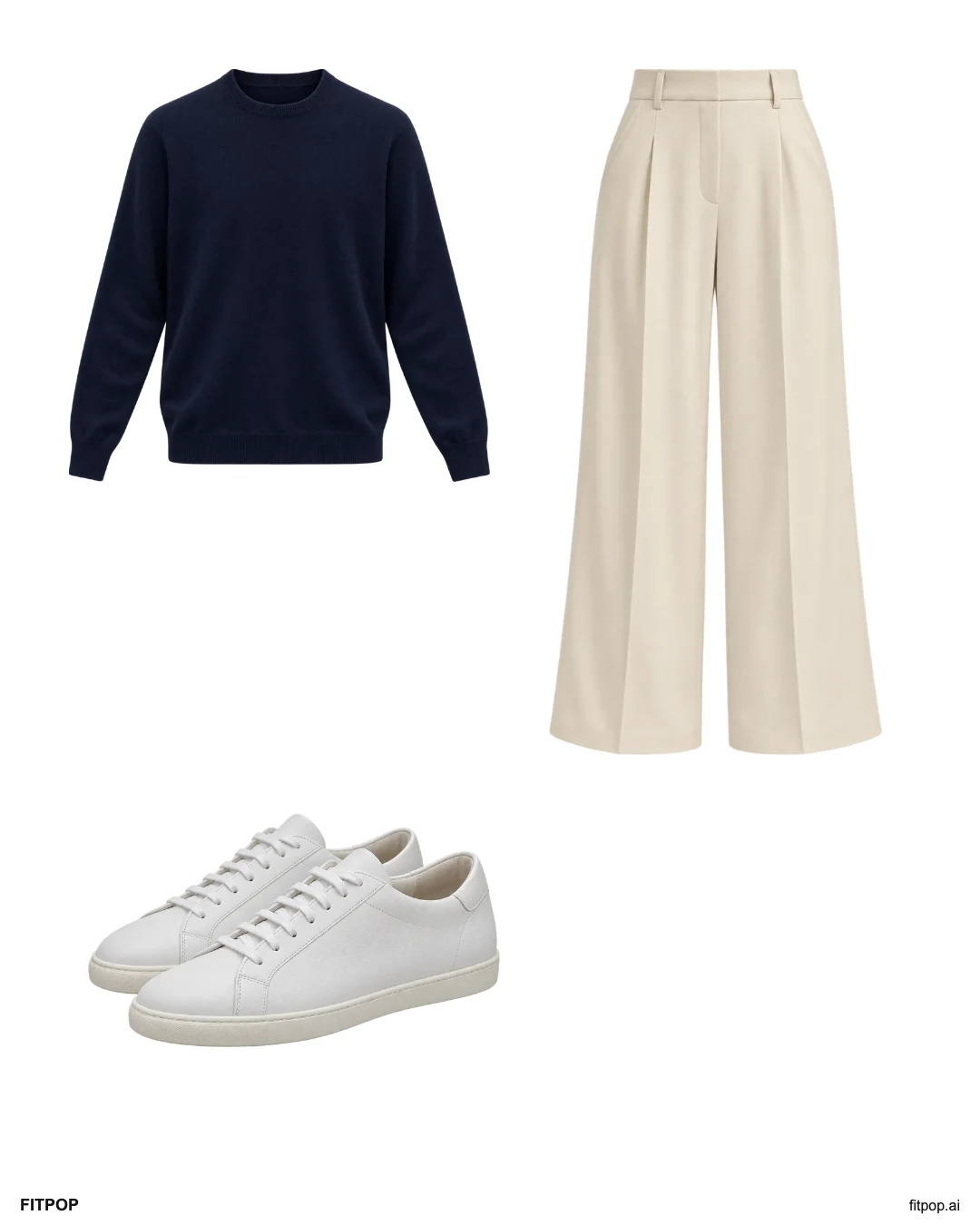
A relaxed knit and wide legs
A navy knit and cream wide-leg trousers give the sneakers a softer, relaxed balance. Check that the actual trouser hem clears the ground.
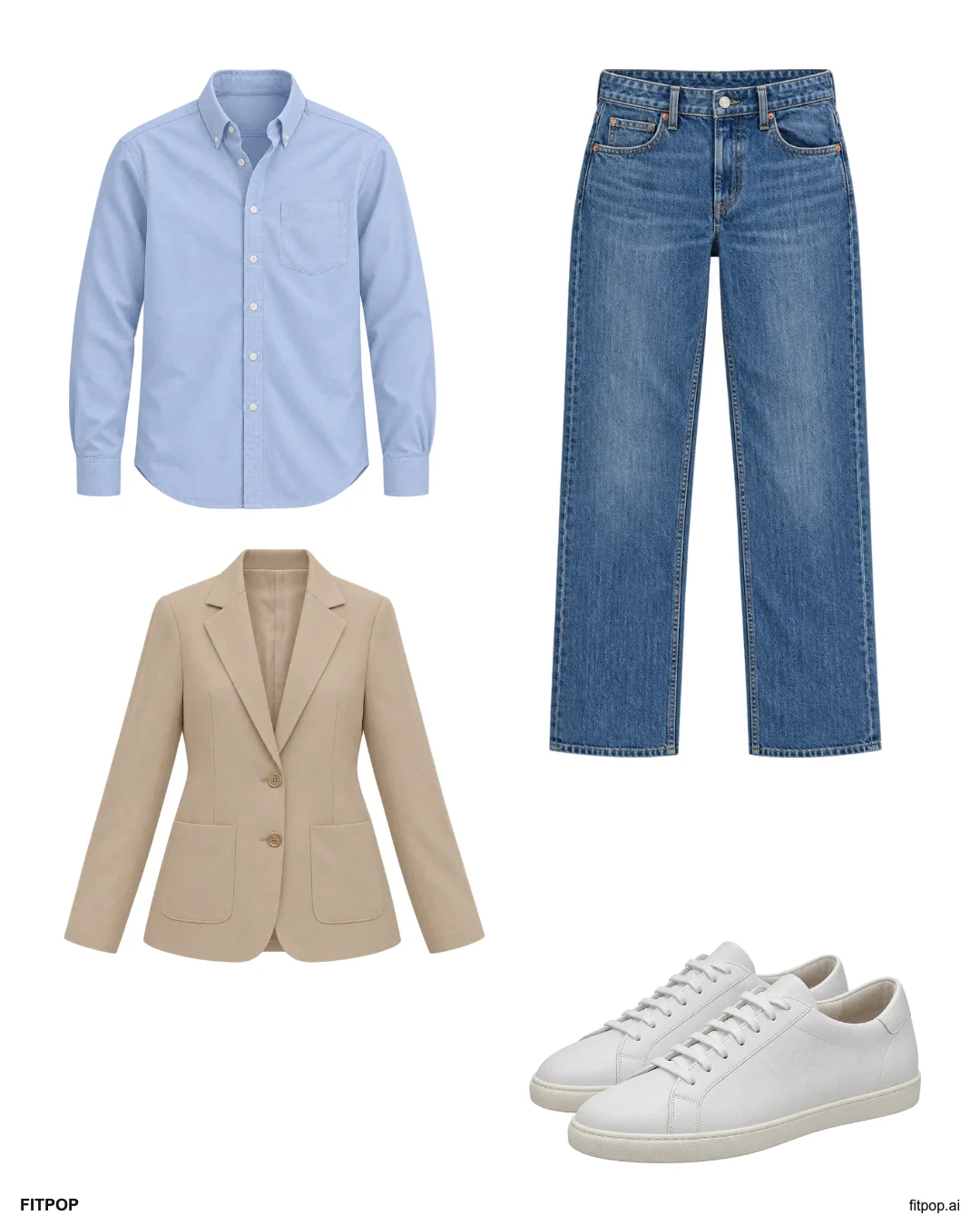
Keep the sneakers for dinner
Keep blue jeans and white sneakers, then add an Oxford shirt and beige blazer. This is a casual dinner idea rather than a formal dress code.
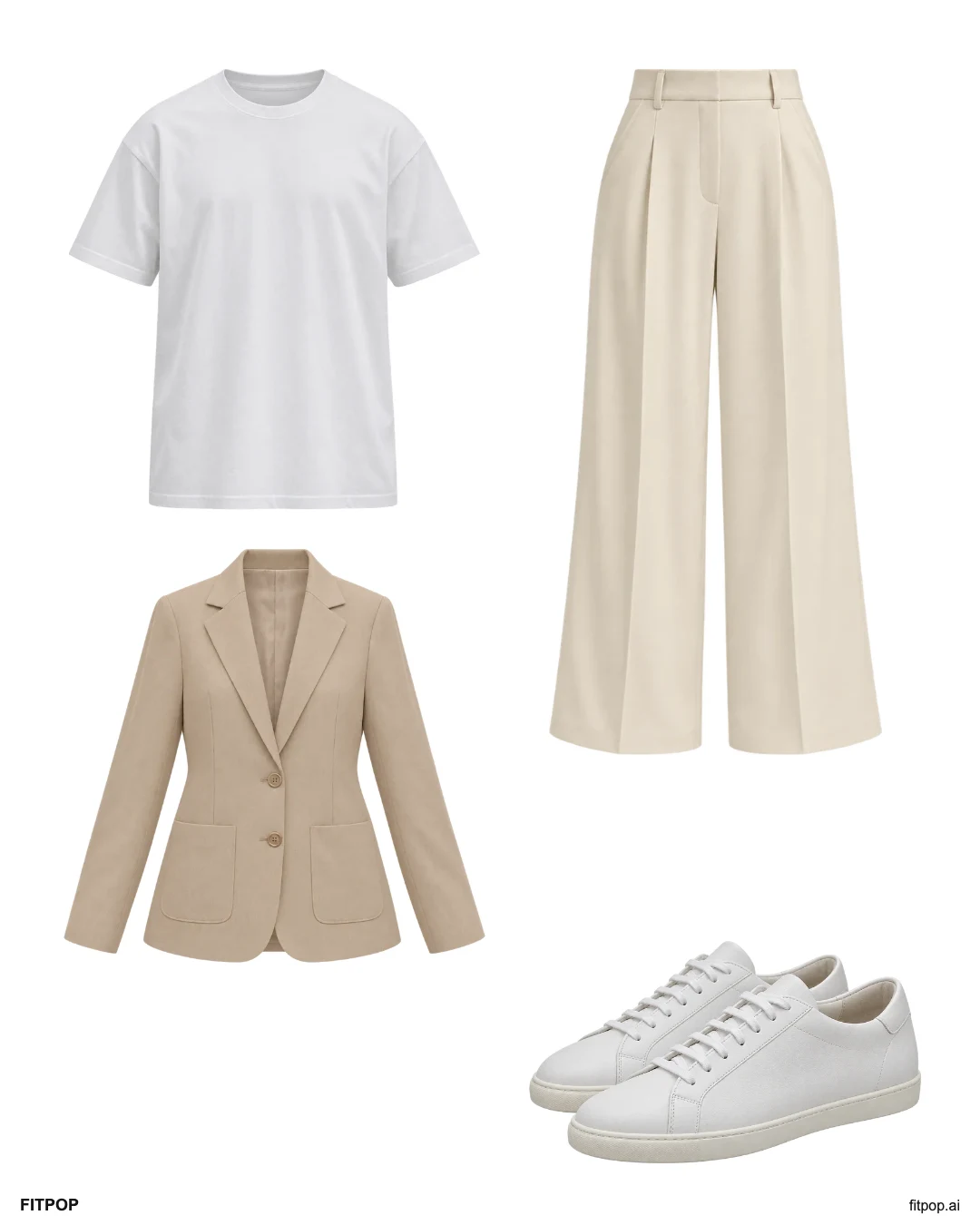
Wide legs with a light blazer
Use a plain tee inside a beige blazer and keep the cream trousers as the anchor. Sneakers make the combination relaxed; review the hem in motion.
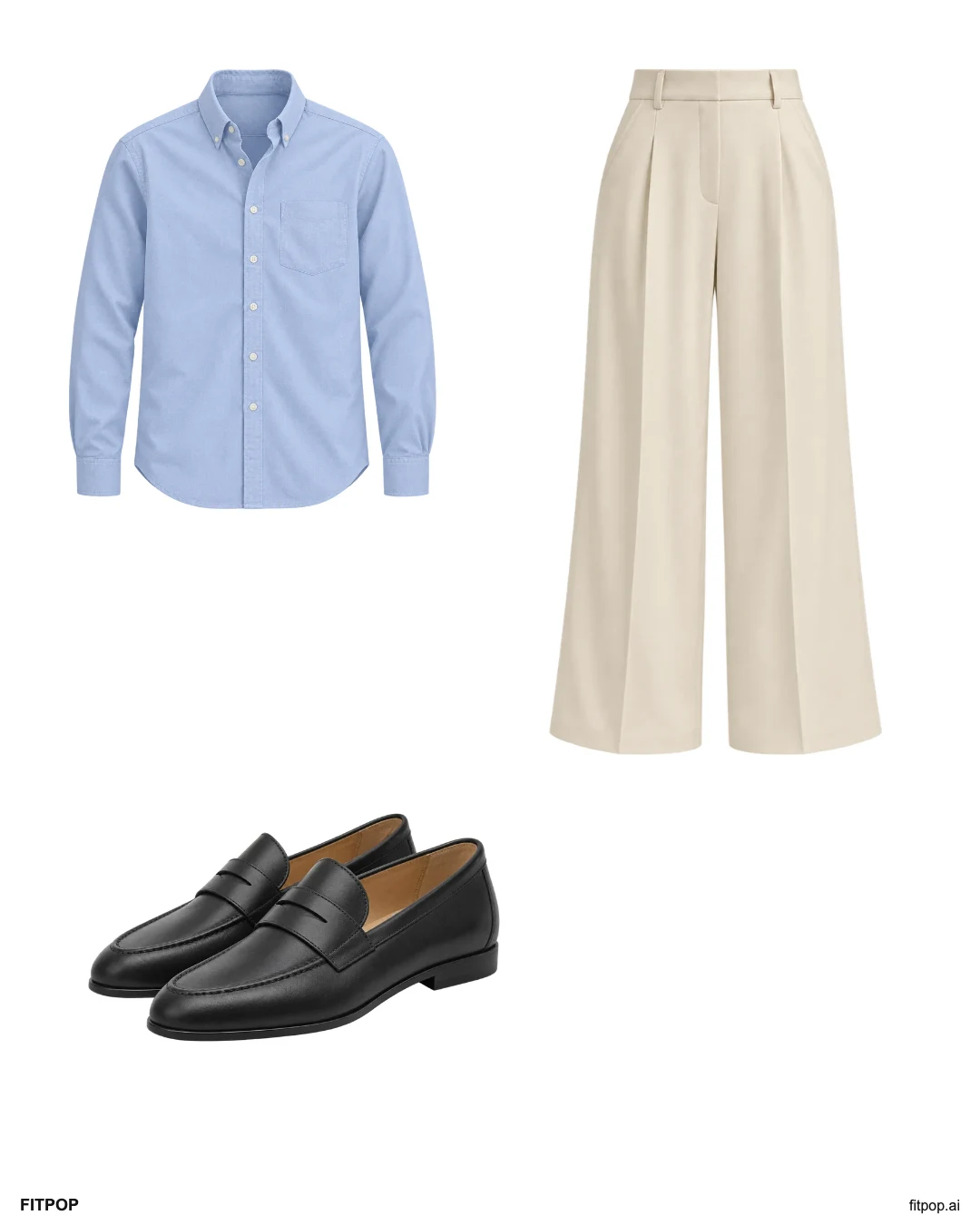
A shirt and loafers
Keep the cream trousers and add a blue shirt and black loafers. Decide whether you prefer the shirt tucked or loose with the waistband you own.
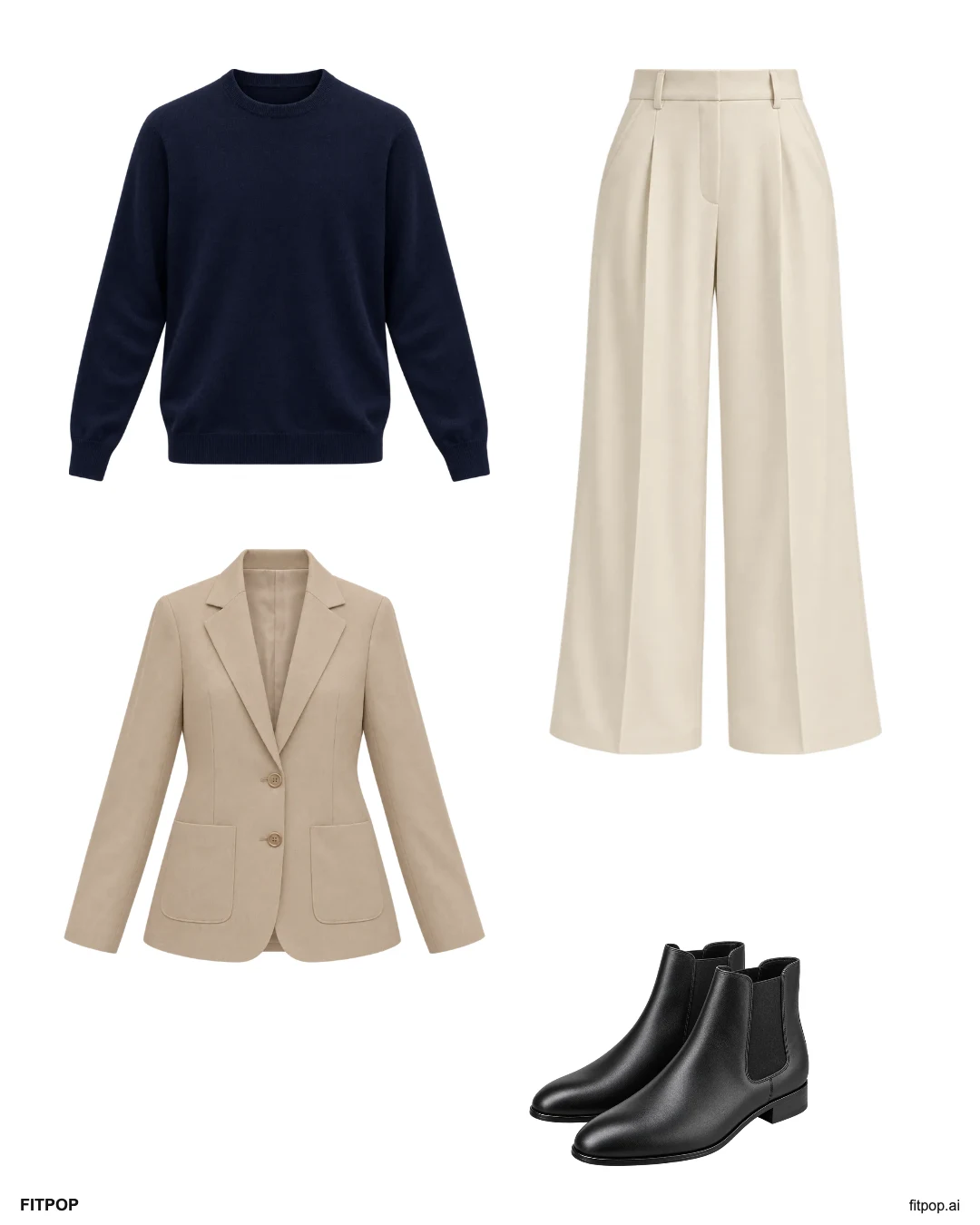
A knit for cooler plans
A navy knit, beige blazer and black ankle boots add coverage around the cream trousers. Choose layers for your actual forecast and time outside.
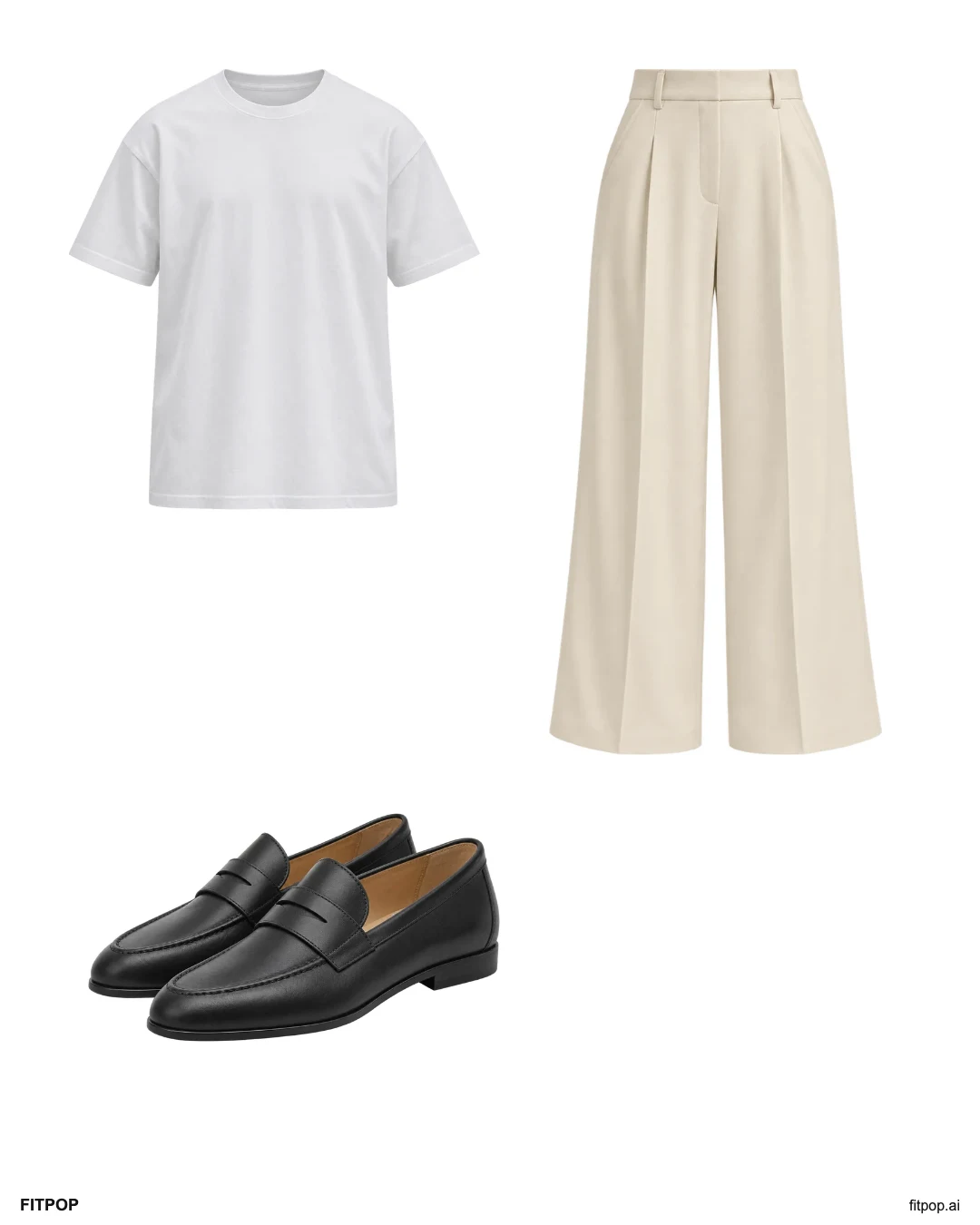
Three pieces, ready to go
A white tee, cream wide-leg trousers and loafers keep the palette quiet. Use pieces you already wear comfortably and add a layer if needed.
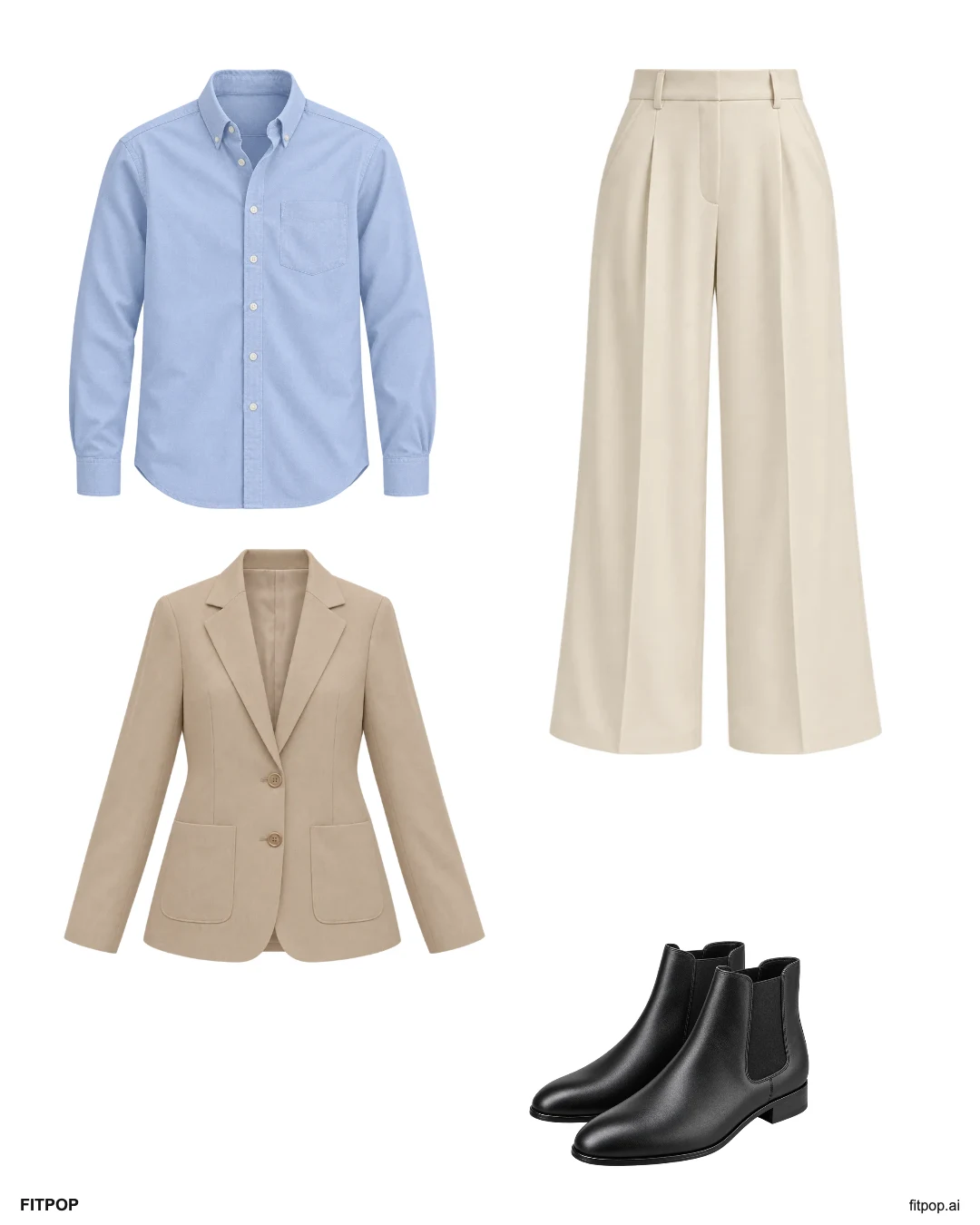
Wide legs for a casual dinner
Add a blue shirt, beige blazer and familiar boots to the same wide-leg trousers. Try the full combination while sitting and walking before leaving.
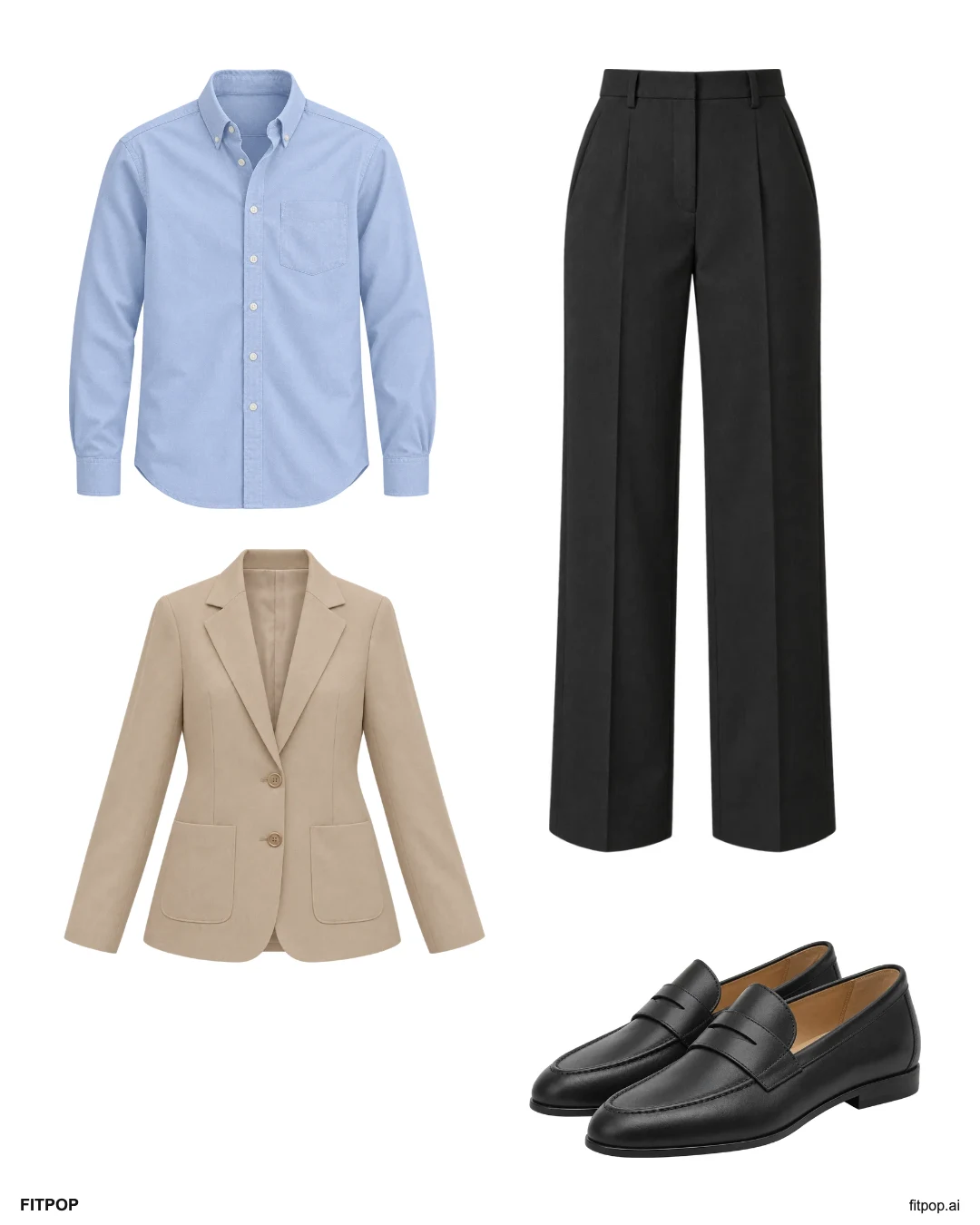
A blazer for work
Keep the beige blazer and pair it with a blue shirt, charcoal trousers and loafers. Adjust the pieces to your workplace dress code.
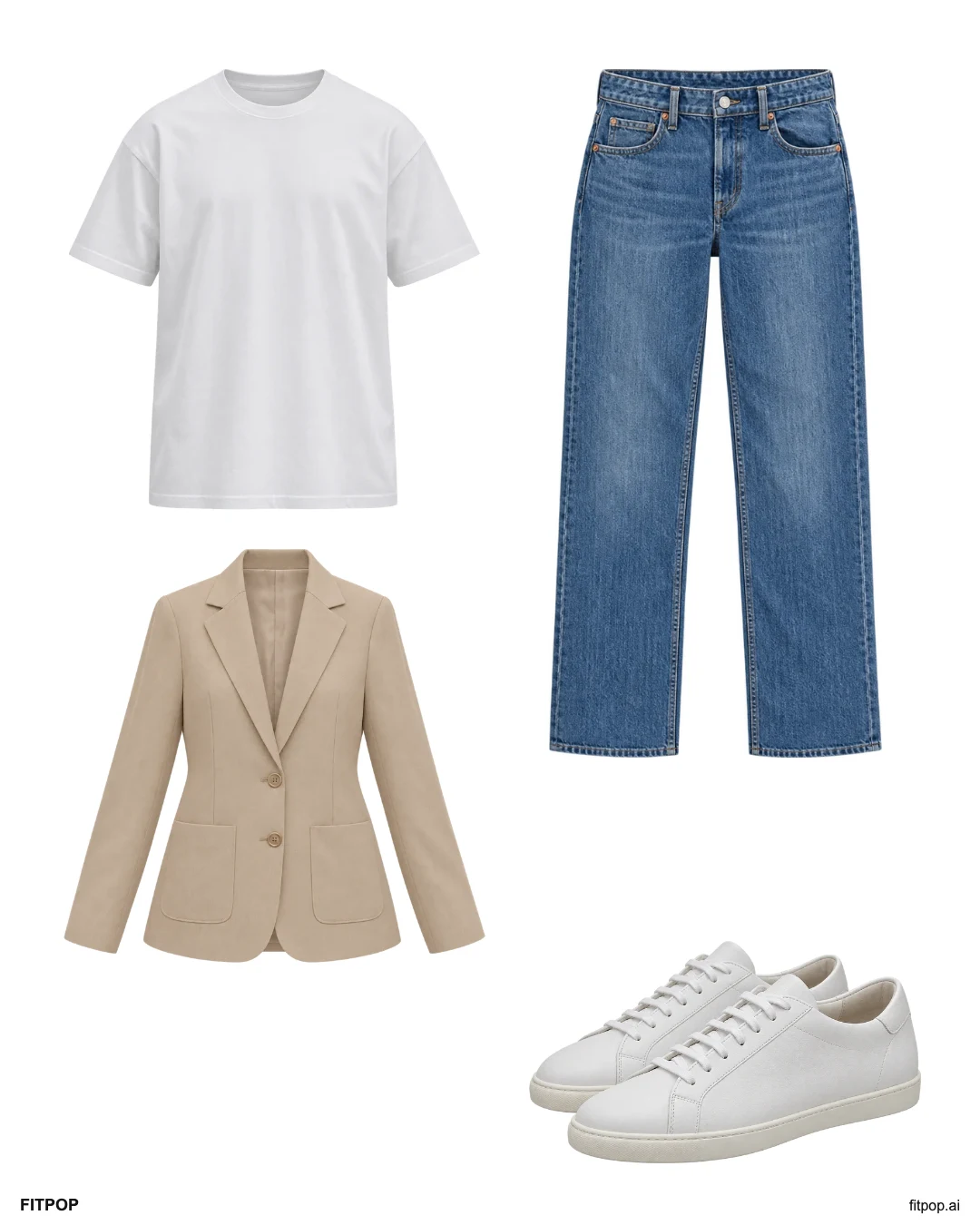
A weekend blazer
Wear the blazer over a white tee with straight jeans and sneakers. It changes the layer while keeping a familiar casual base.
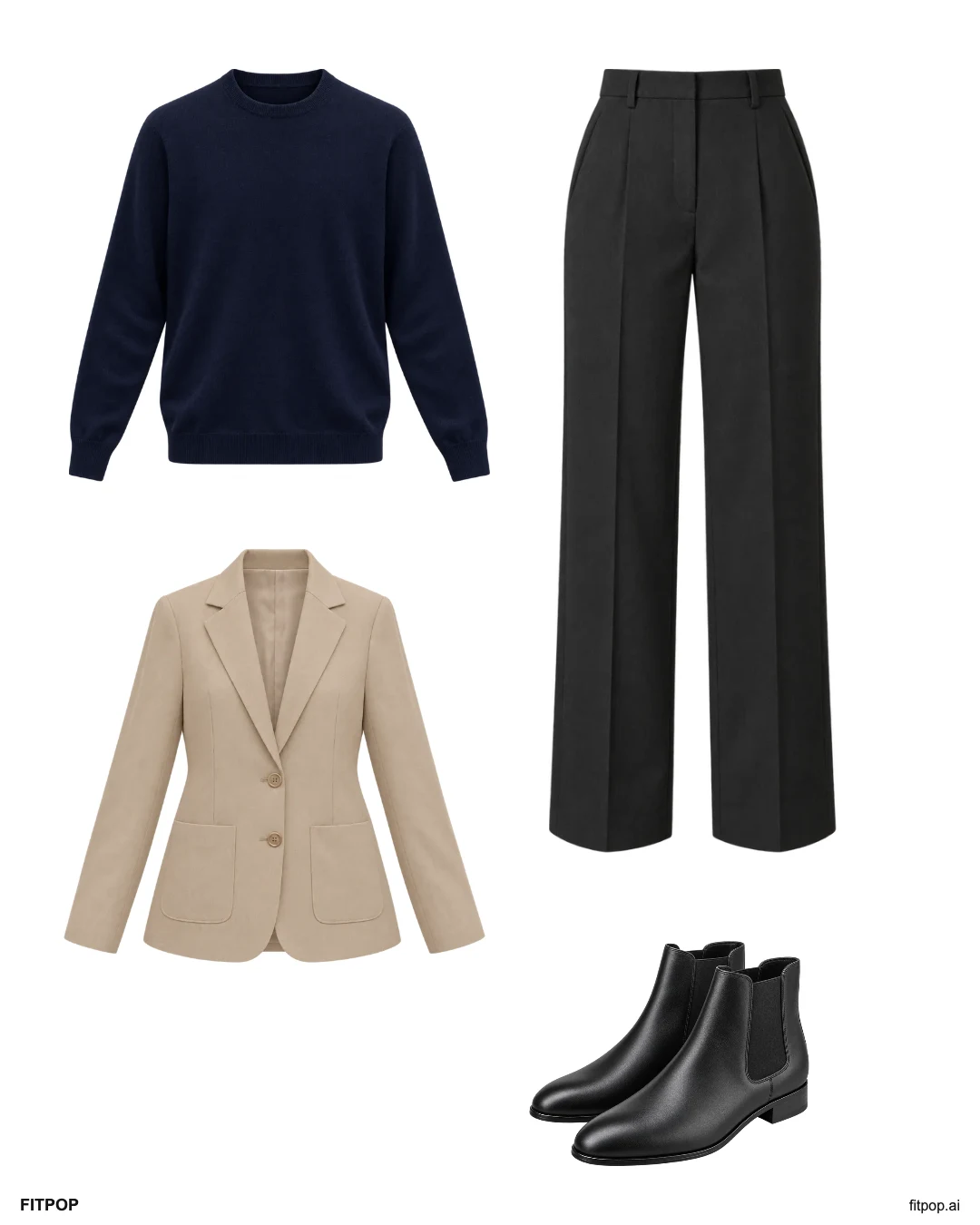
A knit under the blazer
A fine navy knit fits more easily under a blazer than a bulky sweater. Keep charcoal trousers and boots, then check the sleeves while reaching forward.
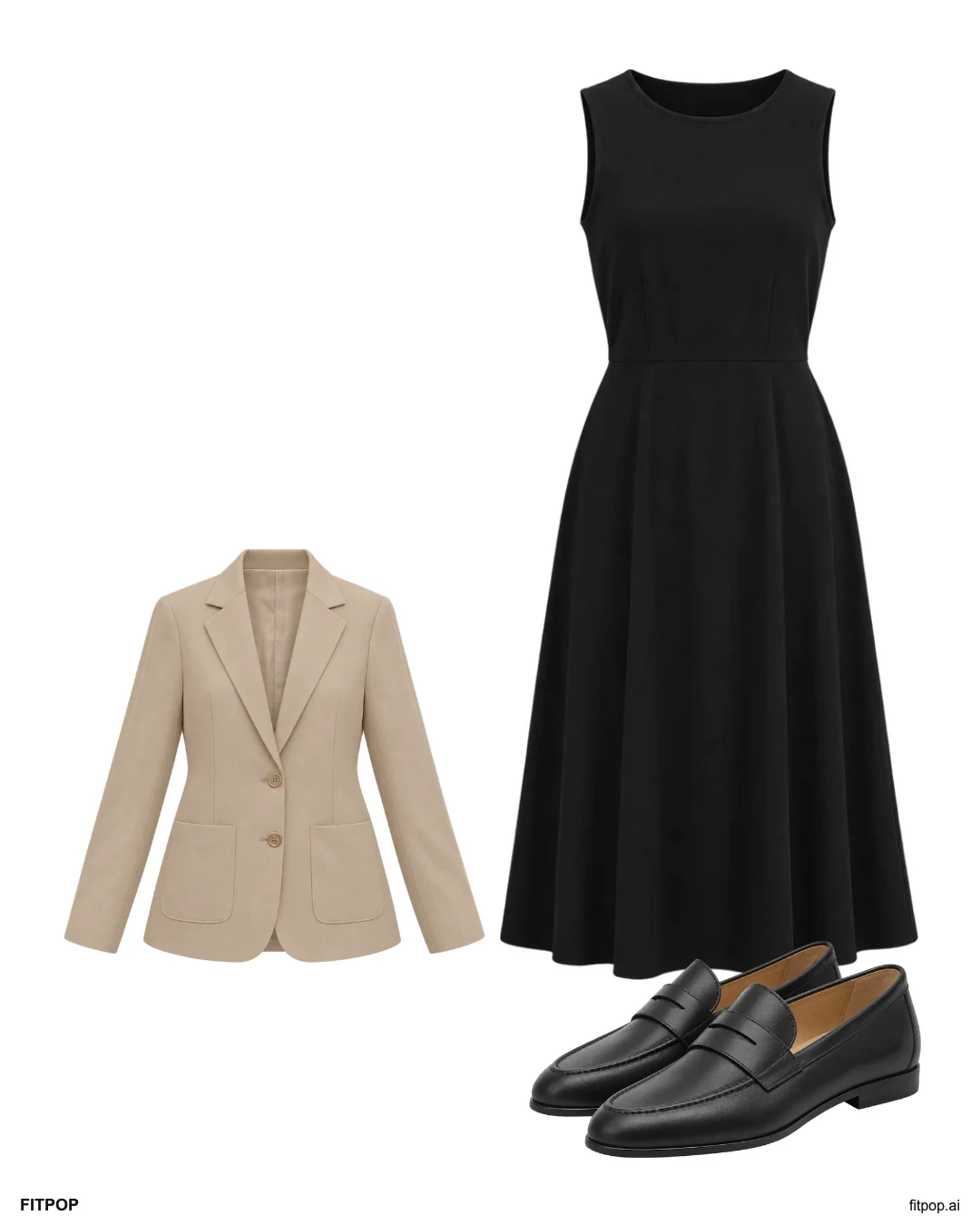
A blazer over a midi dress
Use the beige blazer over a black midi dress and finish with familiar loafers. Compare how the two lengths sit together in your actual garments.
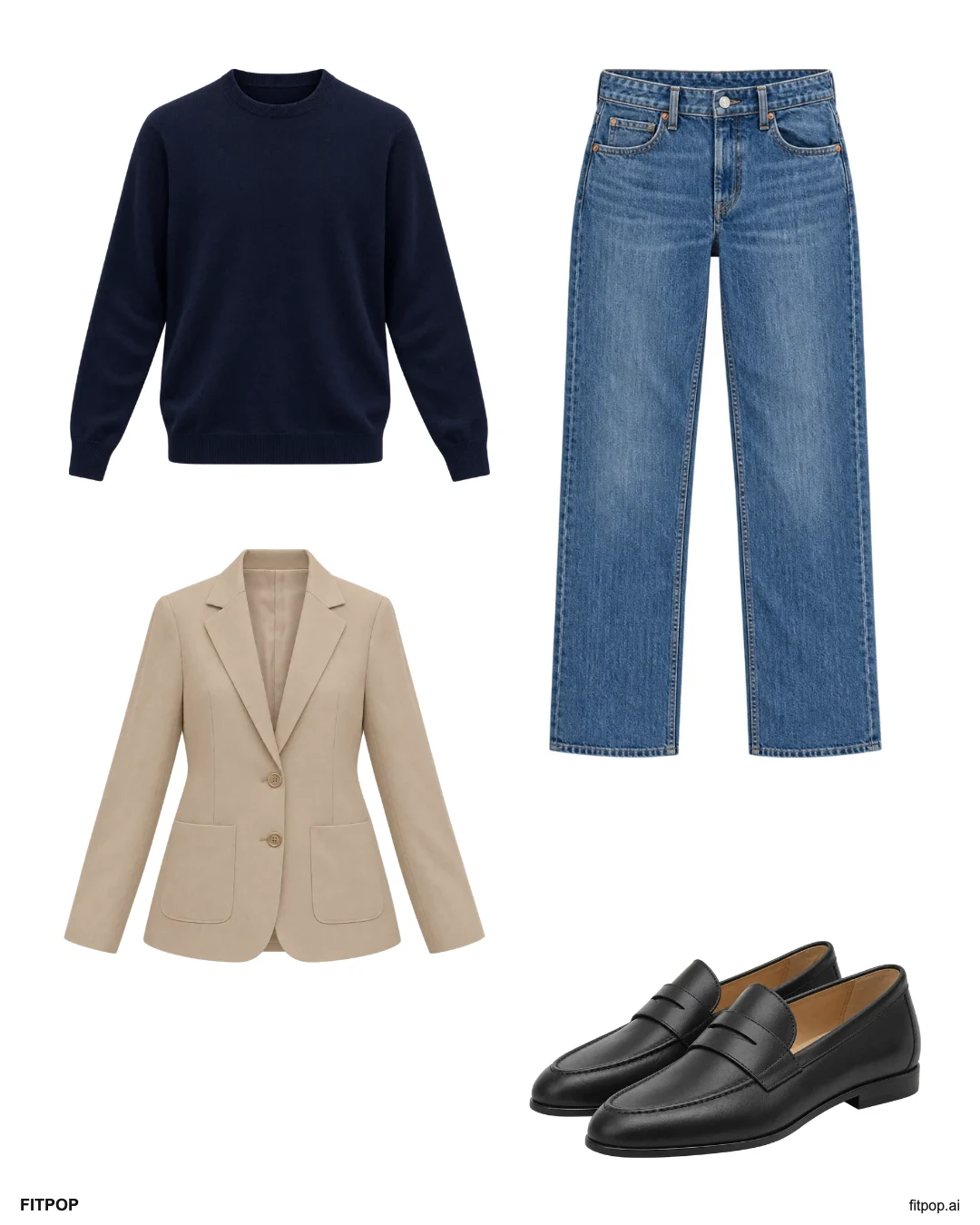
An easy travel layer
A navy knit and jeans keep the base familiar, with a blazer you can remove indoors. Use loafers you already know are comfortable for the journey.
How to make an outfit with your own clothes
- Choose a sample that is close to your plans: white sneakers, wide-leg trousers or a blazer.
- Add a JPEG, PNG or WebP photo of a garment and choose its category. A plain background makes the outline easier to see; this editor does not cut it out automatically.
- Select a piece to move, make larger or smaller, bring forward, send backward or remove. On a keyboard, focus a piece and use the arrow keys; the buttons offer the same controls.
- Replace the illustrative pieces with your own photos. Check that your real garments work for the occasion, weather and comfort you need.
- Download the 1,080 × 1,350 PNG before closing or resetting the page.
The tool keeps added photos in browser memory. A new sample, reset or reload clears them. The original files on your device are unchanged.
Start with a piece you want to wear more
Keep the shoes in a white sneaker outfit, then change the top or trousers. For wide-leg trousers, check the actual hem with your shoes. For a blazer, compare it over a tee, shirt, knit or dress.
The fifteen looks above are editorial combinations using AI-generated illustrative garment images. They are not customer wardrobes, product recommendations, virtual try-ons or a test of physical fit. Use them as a starting point you can change.
Keep a complete outfit, then plan the week
A visual board helps you compare pieces. The weekly outfit planner helps you put named combinations into five days. If you want a photo wardrobe and daily outfit ideas in the app, see the own-clothes walkthrough.
Sharing an example link shares a public starting point. To show the outfit you edited, download its PNG and choose where to send that file.