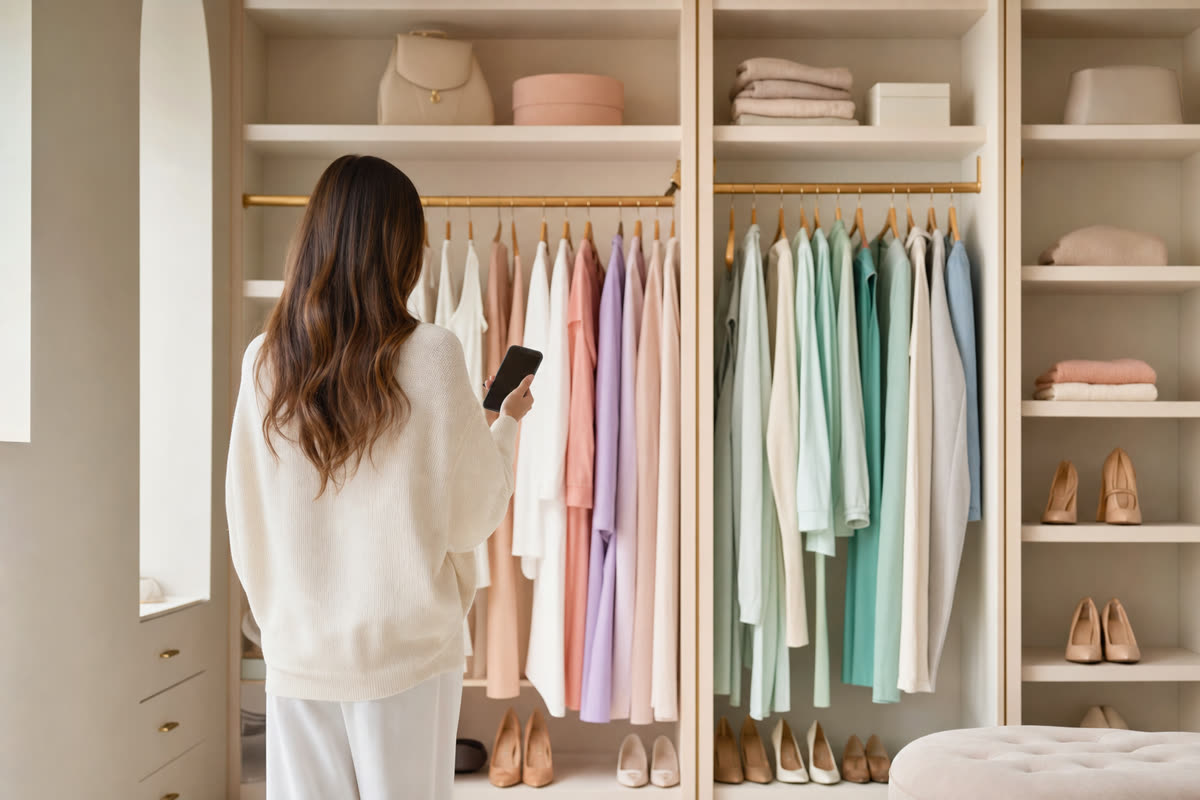
The best AI stylist app for you is the one that helps you get dressed with the clothes you actually own. Start by deciding whether you want the app to suggest a look, help you plan outfits yourself, or connect you with a person who can advise you. Those are different jobs, even when the screenshots all show a digital closet.
For automatic suggestions, put Alta, Acloset and FITPOP on your shortlist. Whering combines daily suggestions with wardrobe planning and social features. Stylebook is worth considering if you prefer assembling outfits yourself, while Indyx offers access to human styling support.
FITPOP publishes this guide. The shortlist is based on official product pages checked on 14 September 2026; the selection exercises below are recommendations for your own trial. For prices and individual feature differences, use the digital wardrobe app comparison.
Start with the decision you want help making
| Your main question | What to look for | Starting points |
|---|---|---|
| “What can I wear tomorrow?” | Suggestions using your uploaded clothes | Alta, Acloset, FITPOP; Whering also offers daily suggestions |
| “How can I wear this one neglected piece?” | A way to build a look around a selected garment | Check the single-item styling workflow |
| “What should I pack?” | Outfit planning and a packing list | Compare planning tools in Whering, Alta and Stylebook |
| “I want advice from a person” | A named stylist and clear service pricing | Indyx |
| “I want control over every combination” | An editable outfit canvas and calendar | Stylebook or an organizer with manual planning |
These are starting points, not a ranking of outfit quality. A feature list cannot tell you whether an app understands your preferred fit, workplace or comfort needs.
Try a ten-item closet before importing everything
Choose three tops, two bottoms, one dress or an extra bottom, one outer layer, two pairs of shoes and one accessory. Use pieces you wear, including one that is awkward to photograph or hard to style. The point is a manageable sample, not a minimum wardrobe size.
Add the same items to each app you are considering. Note how much work you do: taking photos, finding catalog matches, correcting cut-outs and adding missing information. Use your own stopwatch if setup speed matters. An advertised capture time is not the same as the time it takes to produce a usable closet.
Then check whether the saved item still resembles yours. Pattern, color and length matter more for styling than a perfectly polished thumbnail. An app that makes a beautiful image but changes your garment has lost useful information.
Ask for three useful outfits
Use the sample closet for an ordinary workday, a relaxed weekend and an outfit around the piece you rarely wear. Where an app accepts instructions, mention practical constraints such as comfortable shoes or an extra layer.
Evaluate the outputs against your actual day:
- Can you identify the clothes as items you uploaded?
- Does the combination match the occasion and conditions?
- Can you change a piece you dislike?
- Would you wear the outfit, or is it only attractive as an image?
Write down what you would keep and what you would change. One impressive output is less useful than several suggestions that fit your routine. For a practical single-piece example, try the white-sneaker outfit formulas with your own tops and bottoms.
Check the limits that affect your whole wardrobe
Read the current plan before importing hundreds of clothes. Look for item caps, generation allowances, paid image processing, export options and what remains available if you stop paying. Compare costs over the period you expect to use the app rather than relying on the download button's price.
For privacy, check where photos are processed, what deletion removes, whether a profile is public and what the policy says about model training. A familiar sign-in button does not, on its own, answer those questions. Avatar previews are also optional: judge them as a way to imagine a combination, not proof of a garment's physical fit.
Where FITPOP fits
FITPOP focuses on batch photo capture, daily outfit ideas and building a look around a chosen item. Its current App Store listing describes those workflows; version 2.1.0 lists eight interface languages and requires iOS 17 or later. It is free to download. Check the current in-app terms for the features you intend to use.
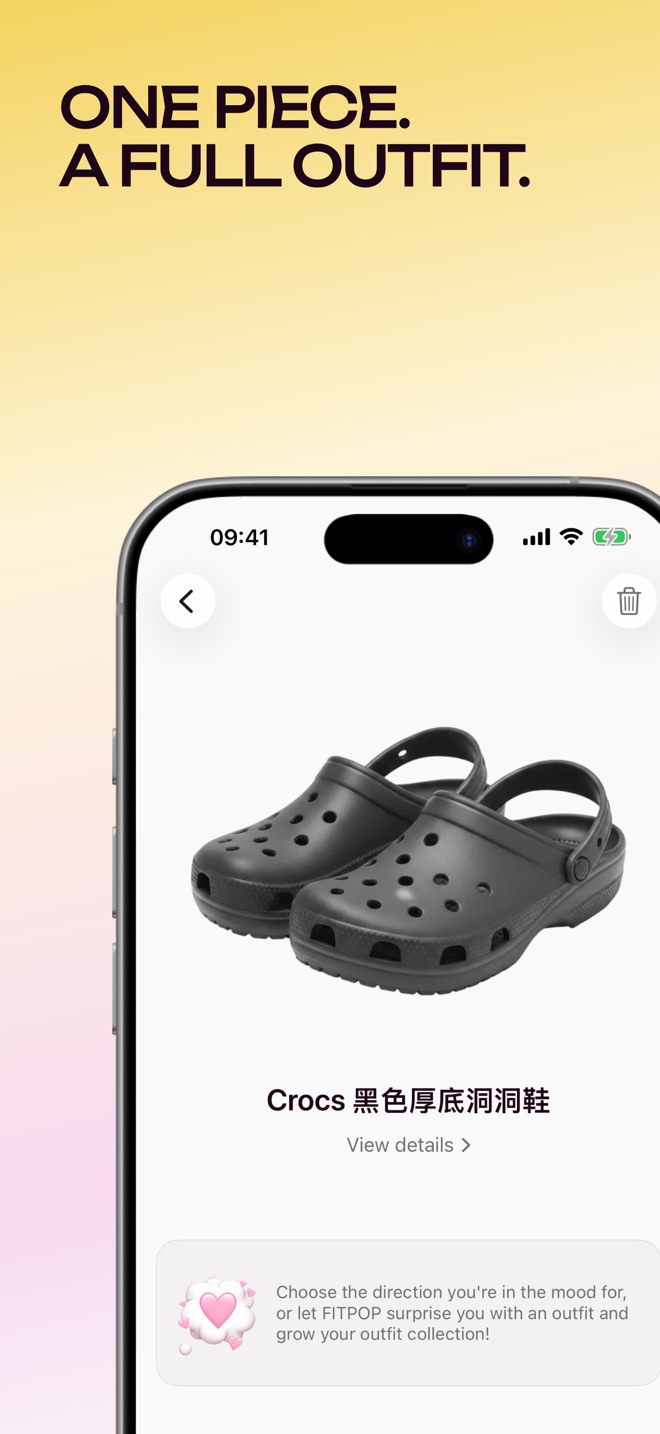
This workflow is a fit for someone who wants help combining existing clothes. If your priority is advice from a human stylist or sharing outfits with friends, compare those specific services before choosing.
The next step is small: pick two candidates, add the same sample clothes and try an ordinary day. Keep the one that reduces decisions without creating a second organizing job.
Sources checked on 14 September 2026: Whering features, Alta, Acloset, Acloset pricing FAQ, Stylebook features, Indyx.
Ready to try your own wardrobe? The own-clothes outfit generator walkthrough takes you from a small photo closet to checking a wearable result.