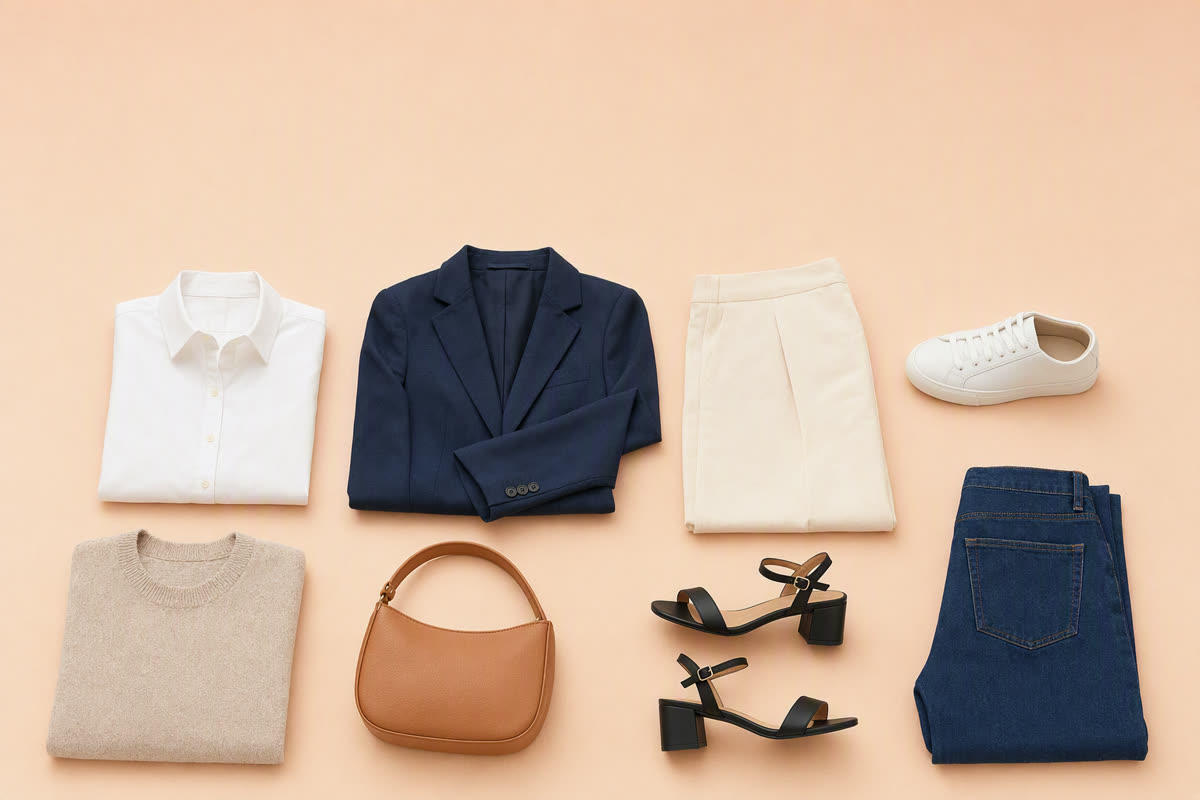
Search "digital wardrobe app" and you get thirty results with near-identical screenshots: a grid of cut-out garments on a white background. They are not the same product. The category has quietly split into three different things that happen to look alike, and picking the wrong one is how people end up abandoning a half-built closet.
This page compares the main ones on the four things that actually differ. Every claim about another app comes from that app's own App Store listing, checked on 30 August 2026 — so it is verifiable, and so you know when it might have gone stale. Where a listing does not mention a feature, this page says so rather than claiming the feature is absent.
One disclosure up front: FITPOP publishes this page. That is a reason to check the sources, not a reason to expect a rigged table — the honest reading below has FITPOP losing several rows.
The comparison
Cells are deliberately terse; the sections below carry the detail.
| App | Import | Outfits by | On-body | Price | Ratings |
|---|---|---|---|---|---|
| Whering | Photo, 100M-item catalog, retailer sites, browser extension | You, plus a social feed | Not mentioned | Free to download | 11,430 (4.7) |
| Alta Daily | Email receipts, catalog, photo | AI — weather, schedule, prompts | Avatar like you | Free to download | 13,406 (4.9) |
| Acloset | Photo, or online search | AI chat, daily picks | Not mentioned | Free to 100 items, then paid | 4,940 (4.4) |
| Indyx | Photo, receipts, product links | You — or a human stylist | Not mentioned | Free to download | 1,530 (4.8) |
| Stylebook | Manual, plus AI image generation | You, collage; AI optional | Not mentioned | $4.99 once, no subscription | 8,767 (4.7) |
| Combyne | Brand catalog only | You, from the catalog | Not mentioned | Free to download | 87,283 (4.8) |
| Save Your Wardrobe | Photo, AI scan | You, collage | Not mentioned | Free to download | 279 (4.5) |
| FITPOP | Batch photo capture | AI — daily, and around one piece | Digital twin | Free to download | 2 (new) |
The three products hiding behind one screenshot
The organiser. Stylebook, Save Your Wardrobe and Indyx are built on the premise that the closet itself is the product. You do the styling; the app gives you a real inventory, an outfit calendar, cost-per-wear, packing lists. Stylebook has been doing this for over fifteen years and it shows in the feature count.
The catalog and the crowd. Whering and Combyne put other people at the centre. Combyne is barely a closet app at all — you build looks from a catalog of 800-plus brands and share them for feedback. Whering does have your real clothes in it, but its distinctive asset is scale: it describes itself as the largest free social styling and closet app, with 9 million users whose closets you can browse and borrow items from.
The generator. Alta, Acloset and FITPOP assume you do not want to assemble outfits at all. A model does it from your items, and your job is to accept or reject.
Knowing which of the three you want settles most of the decision. The rest is detail — but the detail below is where people quit.
How a garment actually gets in
This is the step that kills digital closets. Forty garments photographed one at a time is an evening you will not spend twice, and every app on this list has a different answer.
The catalog route is the fastest by a distance. Whering lets you add from a database of over 100 million items, pull images straight off retailer sites, and digitise as you shop via a Chrome extension. Alta takes it further in a way nobody else here does: you forward your email receipts and your purchases arrive in the app.
That is a real advantage and worth being blunt about — if most of your wardrobe is recent and from mainstream brands, receipt-forwarding beats any camera-first flow, FITPOP's included.
The camera route is what happens when your clothes are not in a catalog: thrifted, inherited, older than the retailer's product page, or simply not sold online. Then the only question is how much work the app leaves you. Indyx promises to take "messy hanger shots, rushed flatlays, whatever you've got" and auto-remove the background and auto-tag them. Acloset says it turns messy snapshots into online-store-quality images. FITPOP's answer is batch capture: Snap-to-Cap™ keeps the camera open so you photograph piece after piece in one pass rather than repeating an add-item flow forty times.
Stylebook is the outlier — its import is manual, with AI image generation as one of the tools. For a fifteen-year-old app with 90-plus features that is a deliberate trade, not an oversight.
The non-obvious point: the right import method is a fact about your closet, not about the app. Count how many of your clothes were bought online in the last two years. If it is most of them, the catalog apps will fill in minutes. If it is not, that database is decoration and capture quality is the only thing that matters.
Who builds the outfit
Alta is prompt-driven and specific about it: daily suggestions from the weather and your schedule, outfits generated for "date night in Paris" or "work conference in Vegas", and outfits built around one jacket you want to wear. Acloset is conversational — you ask whether two things match — and adds personal-colour and fit analysis. FITPOP generates a daily set and will build a whole look around any single item you tap.
Indyx has taken the loudest opposite position in the category, and it deserves quoting properly: "No random outfits styled by robots or complete chance, just real style solutions." They sell sessions with human stylists instead. If you have tried a generator and found the results plausible but soulless, that is the honest alternative, and no amount of model improvement is the same thing as a person who has looked at your closet.
Stylebook and Combyne mostly hand you the tools. Stylebook's collage is the most controllable outfit builder here; Combyne's is the most social.
Can you see it on your own body?
A grid of cut-out garments has a gap in it: two pieces can be a fine idea and still look wrong on you. Two apps here close it.
Alta's listing describes generating the outfit on an avatar that looks like you. FITPOP previews combinations on a digital twin. No other listing on this page mentions on-body preview — which is a statement about their descriptions as of August 2026, not a promise about what they cannot do.
Worth knowing before you weight this heavily: an on-body preview is most useful for the pairing you would otherwise talk yourself out of. If you already trust your own eye, it is a nice-to-have. If "I can't picture it" is the reason you wear the same ten outfits, it is the whole point. That is the same blind spot a capsule wardrobe is designed to remove by other means.
What it costs when your closet is real-size
Almost everything here is free to download, which tells you nothing. The number that matters arrives later.
Acloset states its limit plainly: free for up to 100 items, then a subscription to digitise the rest. Be honest with yourself about 100. A coat, ten tops, five pairs of trousers, three dresses, shoes and a few knits and you are most of the way there. For a real wardrobe, Acloset is a paid app with a generous trial.
Stylebook goes the other way — $4.99 once, unlimited clothes, no subscription. In a category that has moved almost entirely to recurring billing, that is unusual enough to be the reason to choose it, and it is plausibly why a fifteen-year-old app still carries 8,767 ratings.
For Whering, Alta, Indyx, Save Your Wardrobe and FITPOP the listings say free to download without stating an item cap, so check current in-app pricing before you commit an evening of photography. That is the general rule for this whole category: the download price is marketing, the item limit is the product.
How mature each one is
Ratings count is a crude measure, but it is a checkable one, and hiding it while quoting other people's user numbers would be selective. US App Store ratings on 30 August 2026: Combyne 87,283 · Alta 13,406 · Whering 11,430 · Stylebook 8,767 · Acloset 4,940 · Indyx 1,530 · Save Your Wardrobe 279 · FITPOP 2.
FITPOP is new. It is the youngest app on this page by years and has essentially no review history, and if a long track record is what you want, three of the apps above have one. That is the honest cost of choosing it today.
Where FITPOP fits, and where it doesn't
FITPOP is a generator with a camera-first import. It suits a closet that is not mostly recent high-street purchases, someone who wants a daily set rather than a builder, and the specific move of tapping one neglected piece and getting a full outfit around it. The on-body preview is there for the pairing you would not have risked. It is free to download, needs iOS 17.0 or later, and runs in English and Simplified Chinese.
What it does not have, plainly: no social graph like Whering's, no human stylists like Indyx's, no email-receipt import like Alta's, no repair-and-alterations network like Save Your Wardrobe's, and no track record. If any of those is your deciding factor, the app that has it is the right answer and this page has named it.
What all of them share is the premise worth keeping regardless of which you install: the problem is rarely a shortage of clothes. It is a shortage of visible combinations, which is why auditing what you own beats buying, and why a short list of wardrobe essentials outperforms a full closet. If you want the buying criteria rather than the head-to-head, the longer guide to choosing an AI stylist app works through them one at a time.